HVAC Google Ads can show your company in the ad spots when a homeowner searches for furnace repair. You pay when someone clicks. That part is simple. The hard part is knowing if those clicks turn into booked jobs.
This guide is for owners who run Google search ads, or who are about to. It covers what to expect, what to check each week, and the settings that quietly waste money. It does not cover Local Services Ads, Facebook ads or how to build a landing page. We link to those guides instead.
The short answer: a campaign is working when you can count the booked jobs it brought in. If you cannot count them, you cannot judge it yet.
What to expect from HVAC Google Ads before you spend a dollar
Google search ads usually charge by the click. Google’s cost-per-click page says you pay for each click on your ads. Your max bid is the most you will typically pay, and you are often charged less.
Your budget works as a daily average, not a hard daily limit. Google’s page on average daily budgets says a campaign might spend up to twice that on one day. Over the month, it says you will spend no more than 30.4 times that daily amount.
A few more things to expect up front:
- Clicks are not calls. Some people click, look and leave. Your reports should show calls and booked jobs, not just clicks.
- You are not charged for invalid clicks. Google’s invalid clicks page says you won’t be charged for them. If they are found after billing, you may get a credit.
- The account should be yours. Google Ads has access levels. Ask for Admin access to the account your money pays for, even if a partner runs it.
- Google Ads are not Local Services Ads. Those charge per lead, not per click. Our Local Services Ads guide explains how that billing works.
Still deciding where your calls should come from? Our guide to HVAC lead generation compares the main sources.
Track calls as conversions first
For many HVAC companies, the phone is where jobs start. So the first job in any campaign is to count calls, not form fills alone. Without call tracking, every other number in the account is a guess.
Google’s page on phone call conversion tracking lists several ways to count calls:
- Calls made straight from your ads, through call assets.
- Calls to a forwarding number shown on your website after someone clicks an ad.
- Taps on the phone number on your mobile site. This counts the tap, not the call itself.
- Calls tracked in another system, such as a CRM, and imported into Google Ads.
For the first two, you set a minimum call length. Every call that lasts at least that long counts as a conversion. Pick a length that filters out wrong numbers and hang ups.
A long call is still not a booked job. Google’s page on importing call conversions explains how to bring calls that led to sales into Google Ads. Its page on offline conversion imports covers sales that close at your office or over the phone. This is how you connect ad clicks to real jobs in your schedule.
Read the search terms report every week
Keywords are the words you bid on. Search terms are what people actually typed. Google’s search terms report shows how your ads did when real searches triggered them. Those two lists are rarely the same.
Most new keywords start as broad match. Google’s page on keyword match types says broad match is the default. It can show your ads on related searches, so the report will often hold surprises.
Each week, open the report and sort by cost. Look for three kinds of searches:
- Good searches you are not bidding on. Add them as keywords.
- Searches you never want to pay for. Add them as negative keywords.
- Searches for work you do not do. For example, commercial chillers if you only serve homes.
The report does not show every search. Google says some terms with low activity are left out to protect privacy. So use it to spot patterns, not to count every click.
Use negative keywords to stop paying for the wrong searches
Negative keywords tell Google not to show your ad for certain words. Google’s negative keywords page says they let you exclude search terms so your ads focus on the ones that matter.
For an HVAC company, common negatives look like this. Check each one against your own business first.
- Job seekers: jobs, salary, hiring, apprentice.
- Students: school, training, certification, course.
- Do it yourself: how to, DIY, manual, diagram.
- Parts buyers: parts, wholesale, for sale.
- Services you do not offer, such as commercial or industrial work.
Two details trip people up. First, Google says negatives do not match close variants. So add singular and plural forms on their own. Second, negatives are broad match by default, and phrase and exact negatives block fewer searches.
Keep your list in the account, and add to it every time the search terms report shows waste. A short, current list beats a long one you never look at.
Check your location, network and schedule settings
A few default settings can send money to the wrong places. They are quick to check.
Location
Google’s page on location options describes two choices. The default, Presence or interest, reaches people in your area and people who show interest in it. Presence only reaches people who are likely in or regularly in your area. Google notes that switching to Presence usually means fewer impressions. Pick the one that matches the areas your trucks actually cover.
Networks
Google’s networks page says search partners are included by default when you create a Search campaign. You can turn them off in the campaign settings. Check how search partner traffic performs on calls before you leave it on.
Ad schedule
Google’s ad schedule page says campaigns show ads all day by default. You can set certain days and hours, and raise or lower bids for them. If nobody answers at 2 AM, decide whether you want to pay for a 2 AM click.
Call assets add your phone number to the ad. Google’s call assets page says you can set the number to appear only when your business can accept calls. Google is also retiring call-only ads. Existing ones stop showing in February 2027. Move those numbers into call assets.
Send each click to a page built for that search
A homeowner who searched for furnace repair should land on a furnace repair page. Sending every click to your homepage makes them hunt for what they need. Some will not bother.
The page needs a headline that matches the ad and a phone number at the top. It also needs proof a homeowner can check. Our guide to building an HVAC landing page walks through each step, including call tracking on the page.
Follow up fast, or the click is wasted
You pay for the click whether or not anyone picks up. A missed call during a cold snap may turn into a call to the next company. So your phones are part of your ad campaign.
Ask these questions about your own team:
- Who answers calls during ad hours, and after hours?
- Does a missed call get a call or text back within minutes?
- Do web form leads get a reply the same hour?
- Does someone record which calls became booked jobs?
If the honest answer to any of these is no, fix that before you raise the budget. Our guide to HVAC answering services compares live, AI and hybrid options for covering the phones.
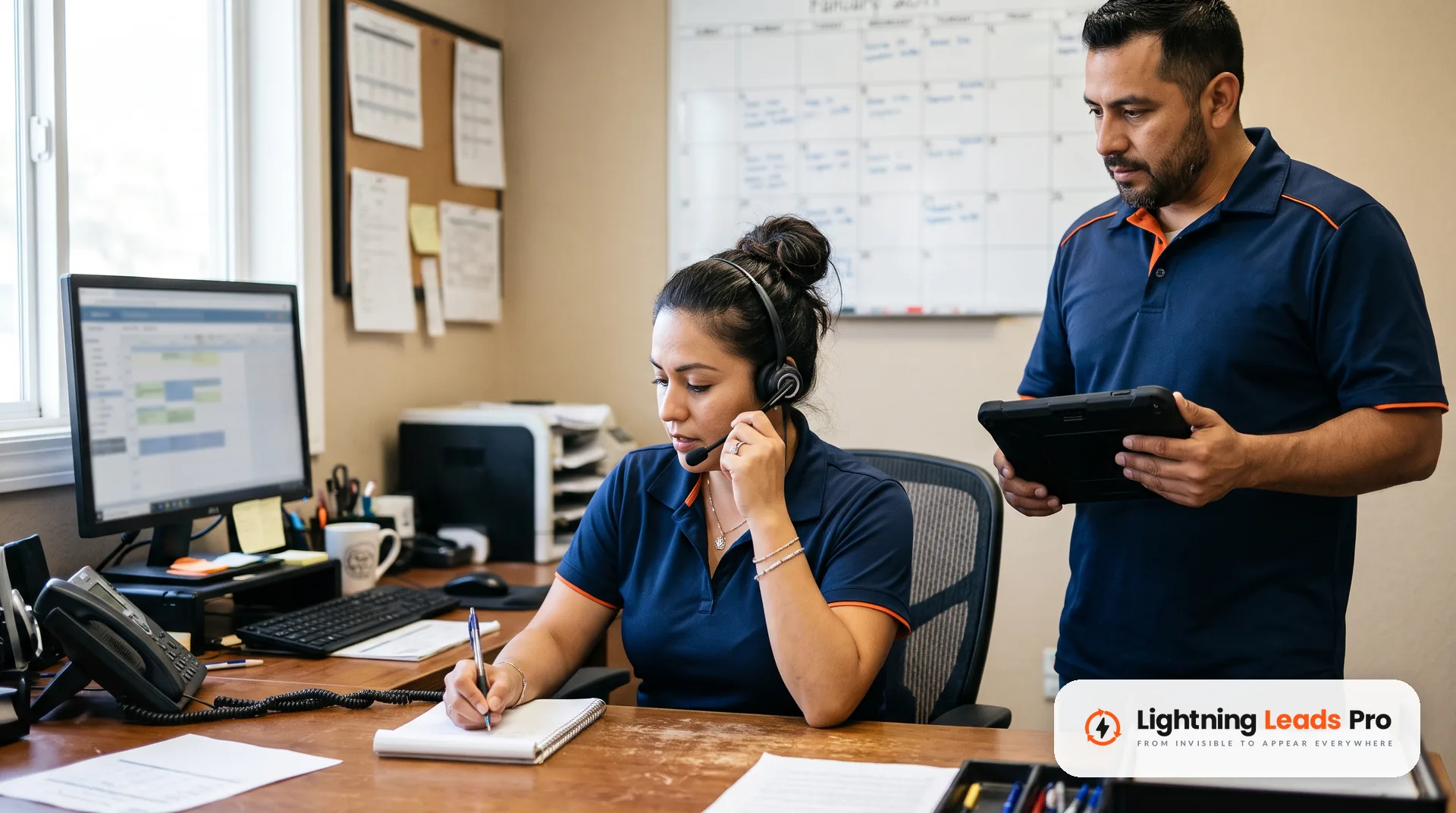
How to judge whether your HVAC Google Ads are working
Judge a campaign by booked jobs and what each one cost. Clicks, impressions and click rates help you diagnose problems. They do not tell you if the campaign pays.
Once a month, sit down with these numbers:
- Total spend. Ad spend plus any management fee.
- Tracked calls and forms. From the conversion columns, using the minimum call length you set.
- Booked jobs. From your schedule or CRM, matched to calls from ads.
- Cost per booked job. Total spend divided by booked jobs.
- Revenue from those jobs. Compare it to what you spent.
Then check the health signs. Is the search terms report getting cleaner each month? Are calls answered during ad hours? Do you have Admin access to the account? Are conversions set up so a two second hang up does not count?
If the cost per booked job works for your margins, the campaign is doing its job. If you cannot fill in the booked jobs line, fix tracking before you judge anything else.
Frequently asked questions
Are Google Ads worth it for HVAC companies?
They can be, but only you can answer that with your own numbers. Track calls, match them to booked jobs and divide total spend by those jobs. If that cost fits your margins, the ads are paying their way.
How much should an HVAC company spend on Google Ads?
There is no single right number. Set a daily budget you can afford to test for a full month. Google says one day can run up to twice that amount. The month stays within 30.4 times it.
What is the difference between Google Ads and Local Services Ads?
Google search ads usually charge per click and send people to your website or phone. Local Services Ads charge per lead instead. Our guide linked above covers how Local Services Ads billing works.
Do I get charged for fake or accidental clicks?
Google says you won’t be charged for invalid clicks. These include accidental clicks and traffic from bots. If they are caught after billing, Google may credit your next invoice.
Should I own my Google Ads account?
Yes. Keep the account in your company’s name and ask for Admin access. That way your history and data stay with you if you ever change partners.
How do I know which keywords bring booked jobs?
Import your booked calls or sales back into Google Ads. Then the account can show which searches led to real work, not just to calls.
Get a second look at your Google Ads
If you run Google Ads today and cannot say what a booked job costs you, start there. Our Google Ads management team tracks every call and form, adjusts targeting each week and reports results in plain language.
Want a plain review of where your calls come from and what to fix first? Book a Free Local Lead Growth Session. We will look at your ads, your Google Business Profile and your phones with you.